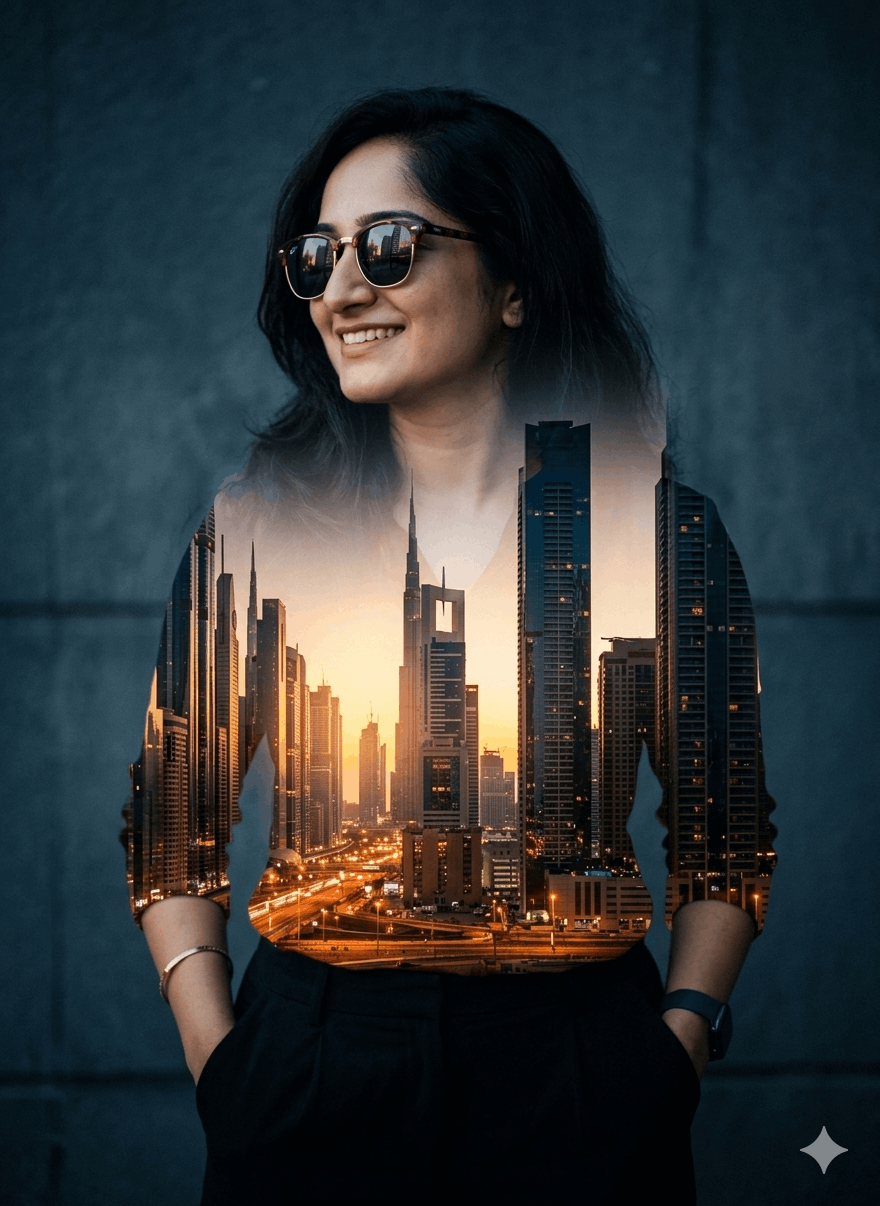
Create a cinematic double exposure portrait using the uploaded photo as the main subject with 100% facial accuracy. The person is standing casually with hands in pockets, smiling naturally and looking sideways while wearing stylish sunglasses. Blend a glowing modern city skyline inside the body silhouette using a realistic double exposure effect. The city should feature tall skyscrapers, warm sunset lighting, orange and golden street lights, and urban night ambience. Keep the face clearly visible while smoothly merging the skyline through the torso and clothing area. Add soft foggy textures, subtle film grain, moody shadows, and dramatic cinematic lighting. Use a dark textured wall background with cool blue-grey tones. High-detail photography style, realistic composition, professional color grading, depth, soft glow, premium editorial look, ultra realistic, 4k quality.
✅ Copied!
How It Works
1
Copy the promptClick "Copy Prompt" above to copy the full text to your clipboard.
2
Paste into your AI toolOpen ChatGPT, Gemini, or your favorite AI image generator using the Create button.
3
Generate & createRun the prompt and bring your AI-generated image to life in seconds.
 Bucket